Control your OpenWRT
Router with style.
WRTune gives you complete control over your network in a beautiful, modern interface. Monitor traffic, manage devices, and keep your network healthy.
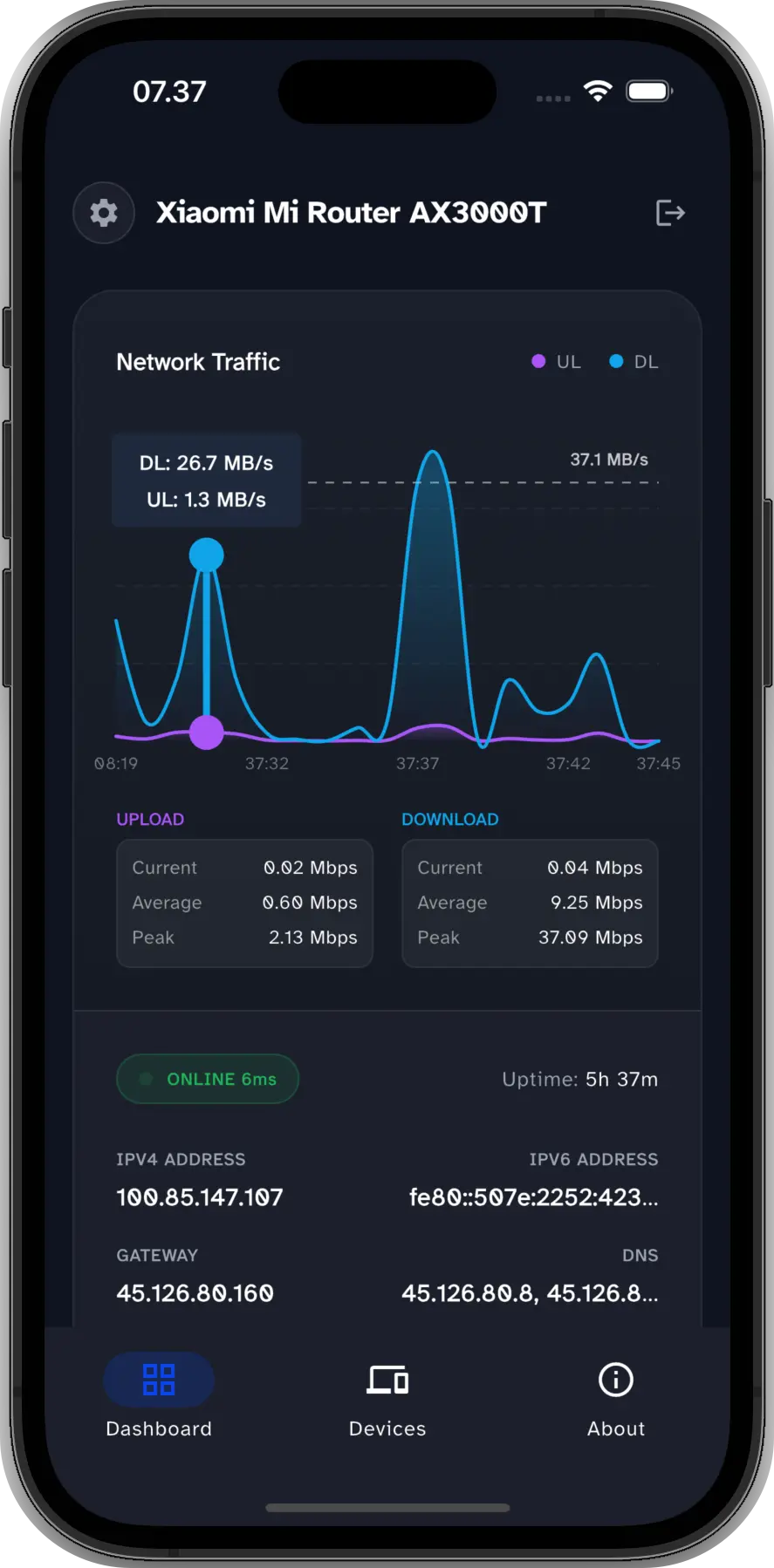
Real-time Traffic
Monitor your network activity with beautiful, real-time graphs for both upload and download speeds.
Inside the App
Powerful Features at Your Fingertips
Experience a modern, intuitive interface designed for effortless network management.
Real-time Dashboard Traffic
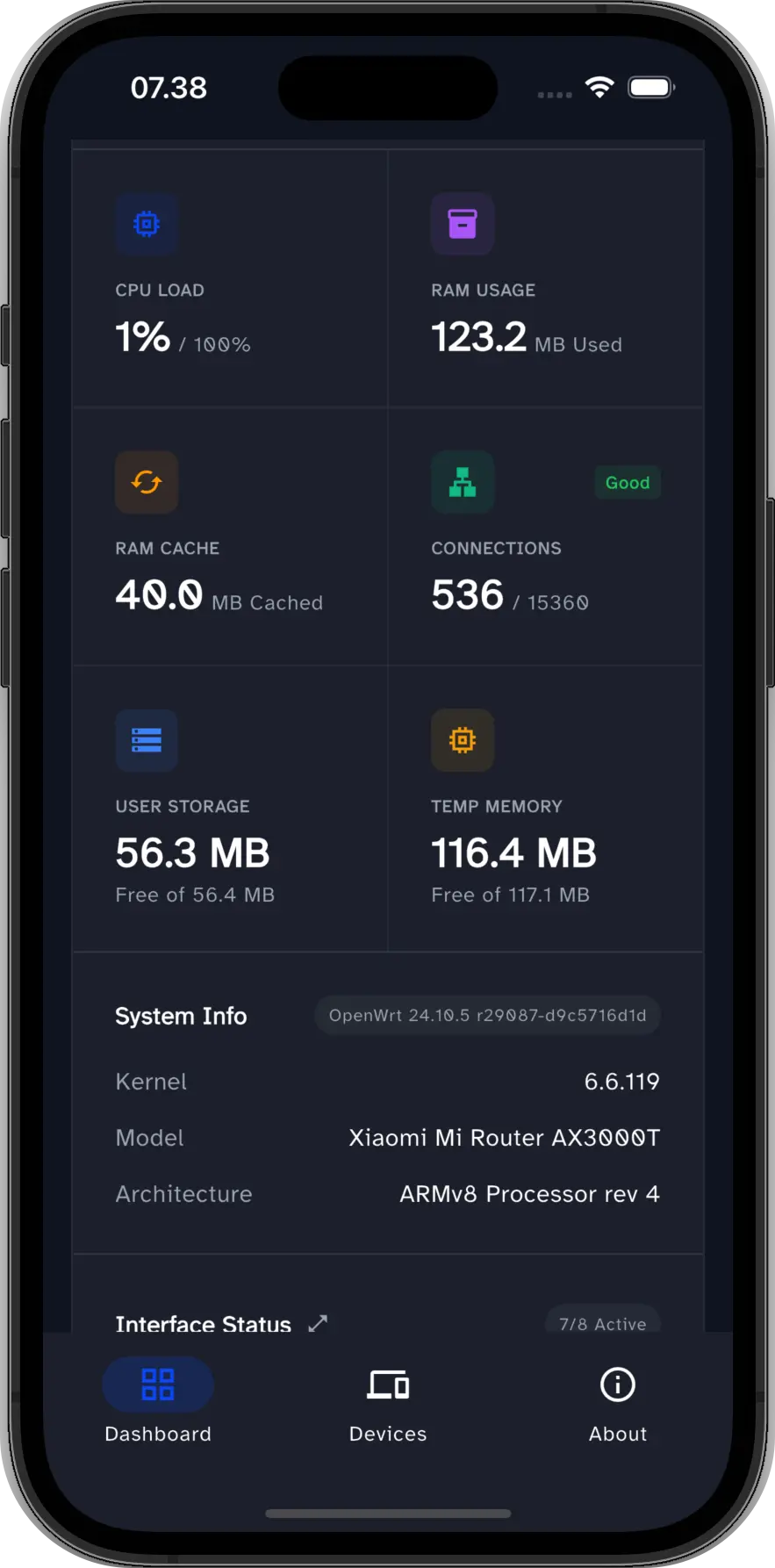
System Health Status
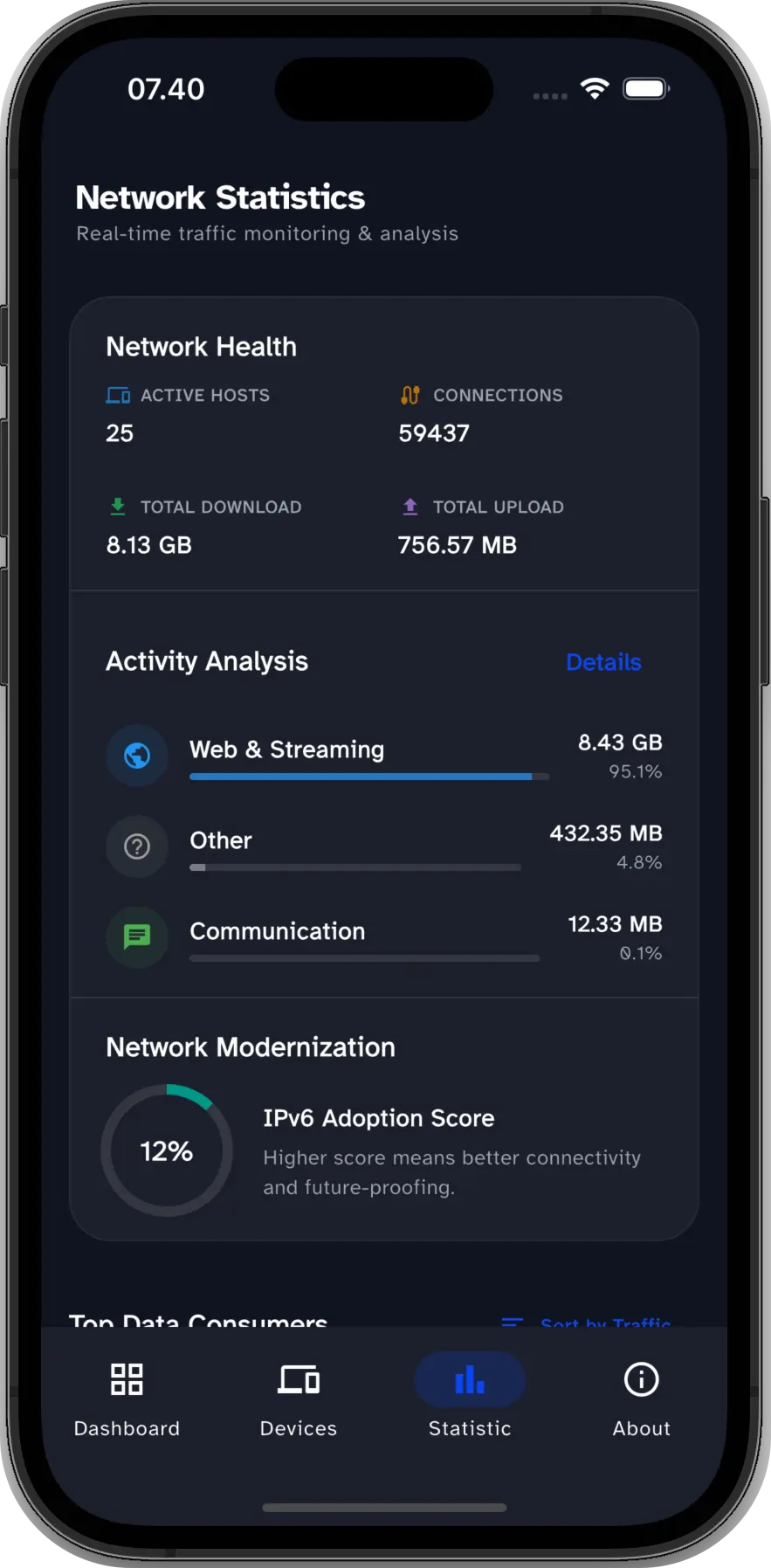
Network Statistics
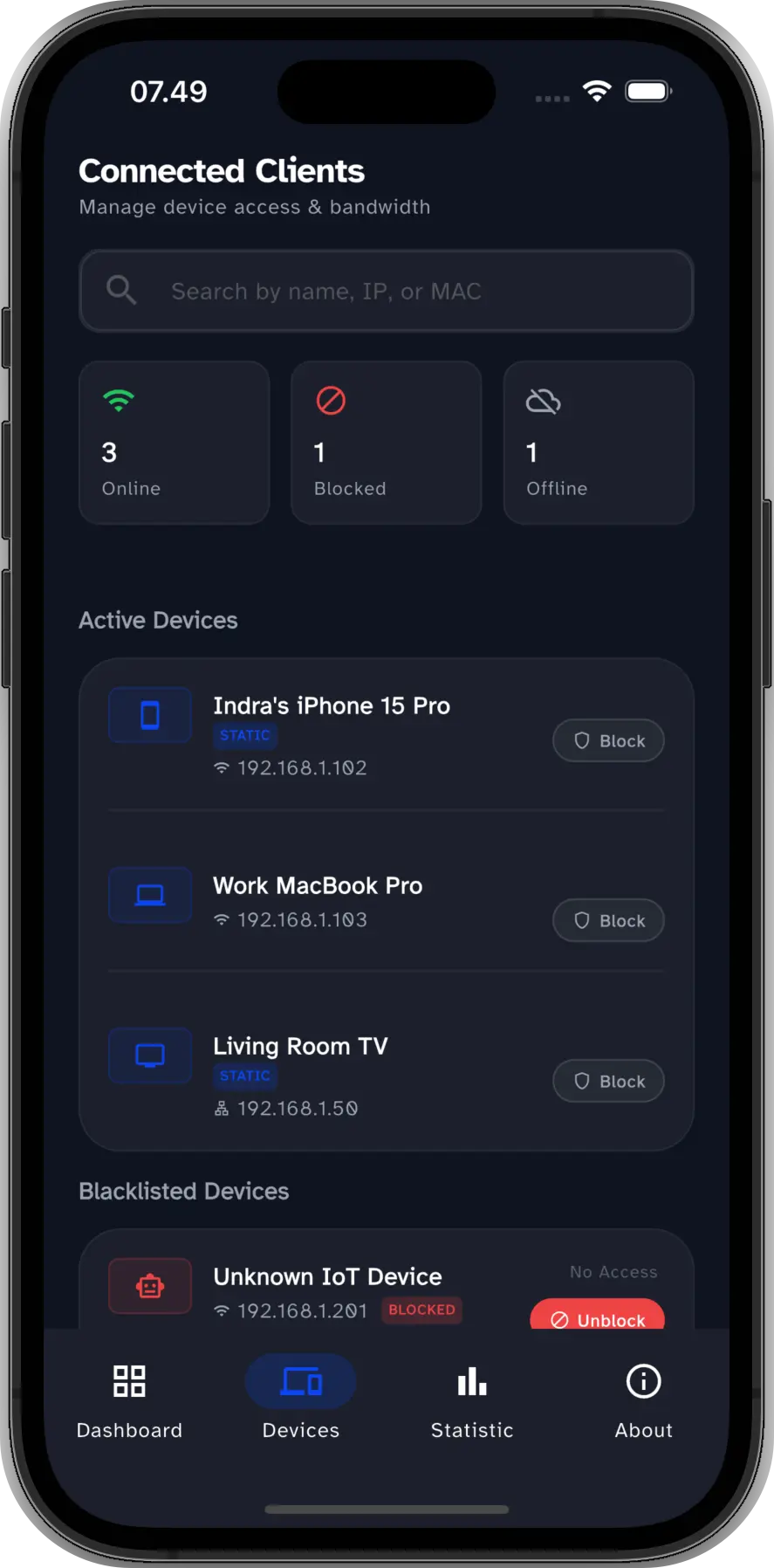
Connected Clients Management
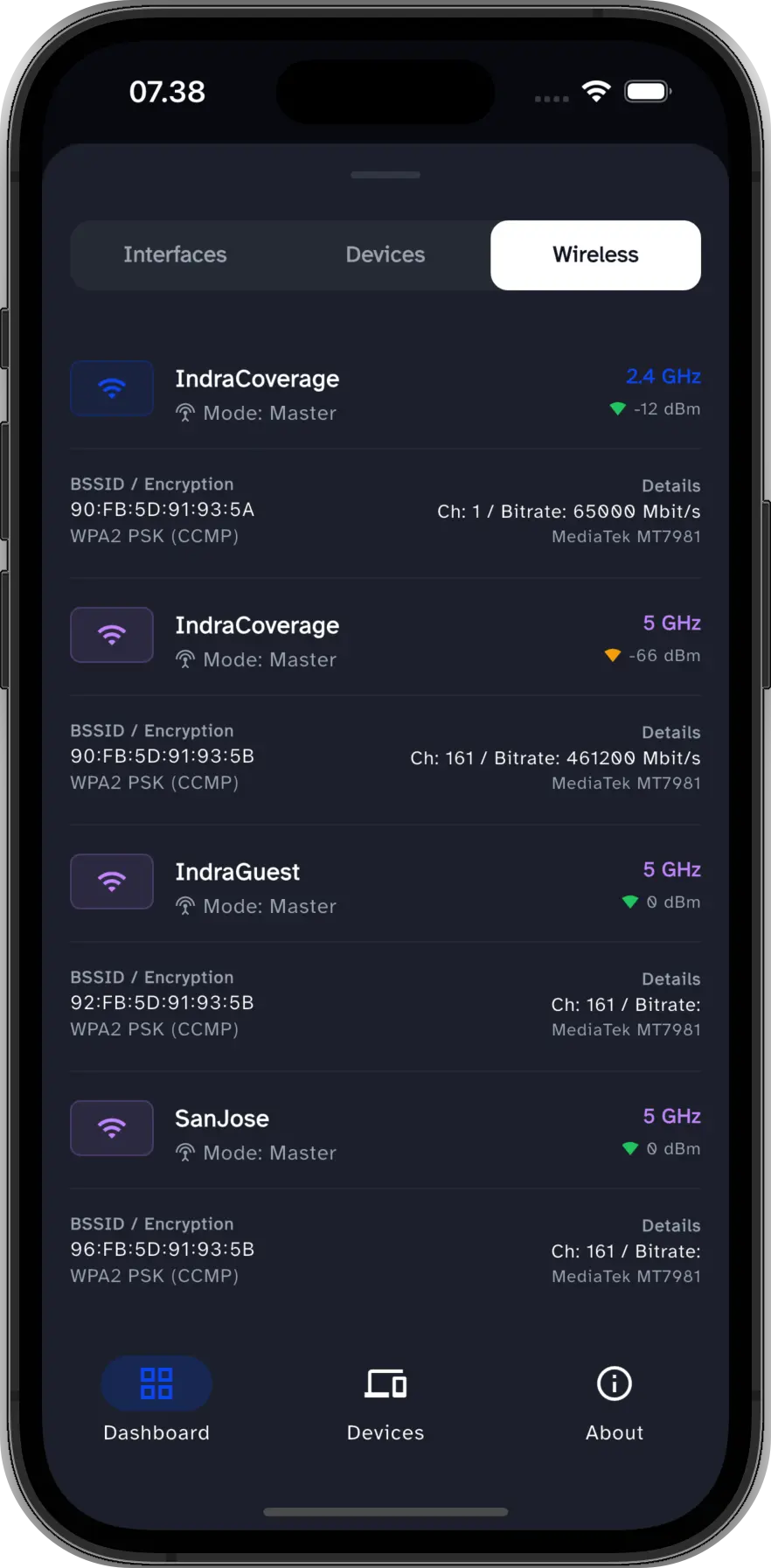
Wireless Interface Settings
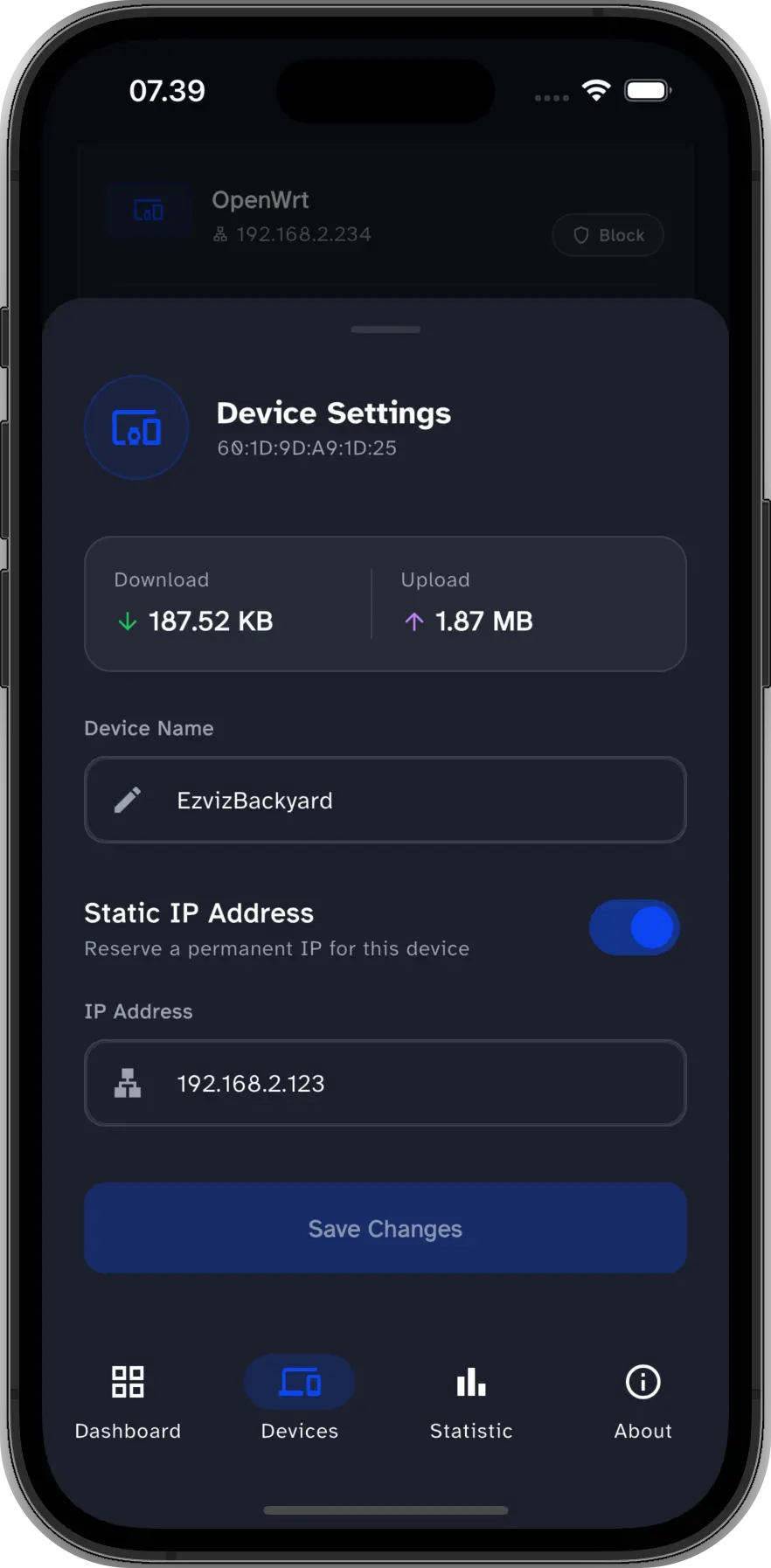
Device Configuration
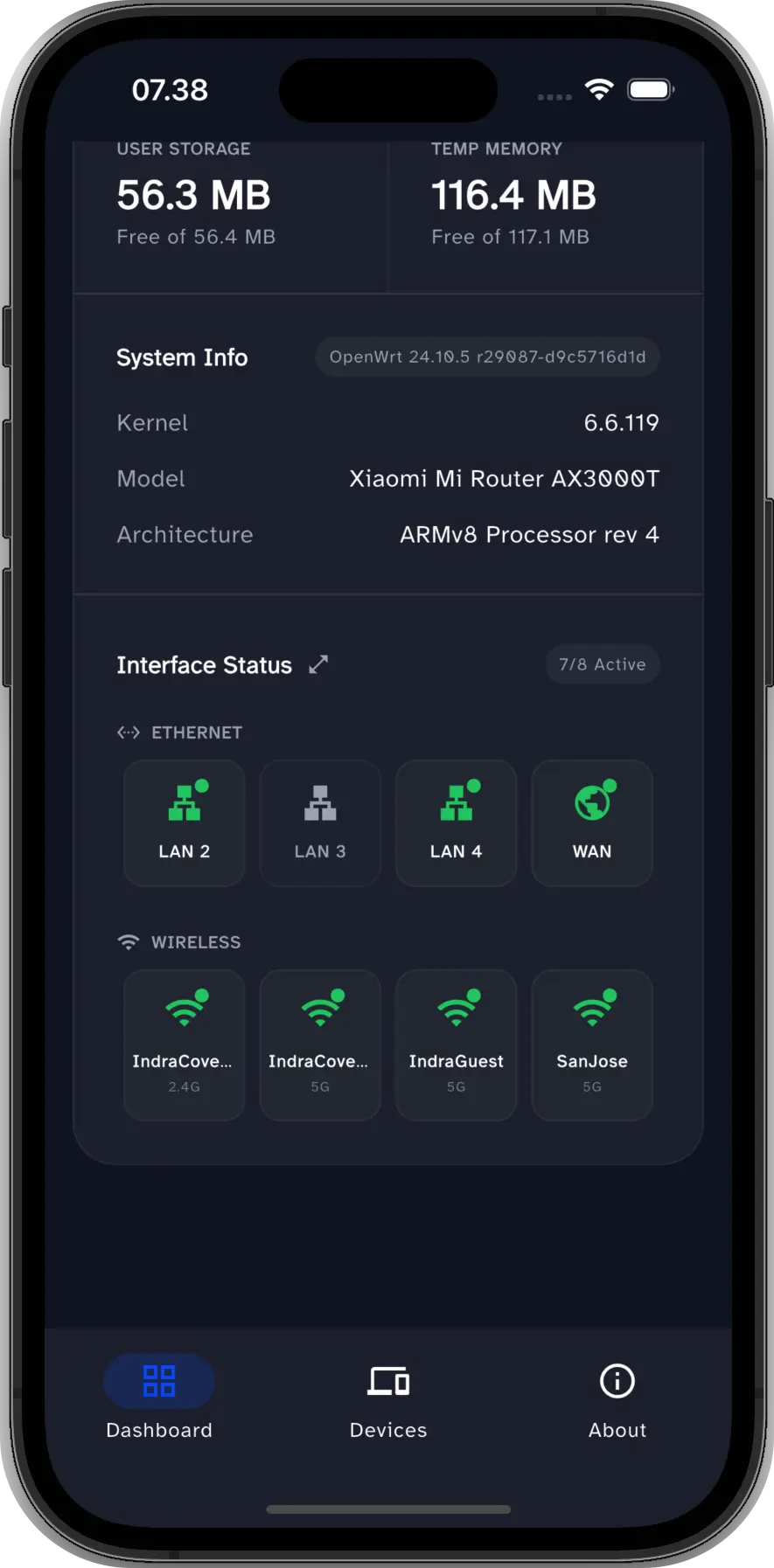
Interface Status
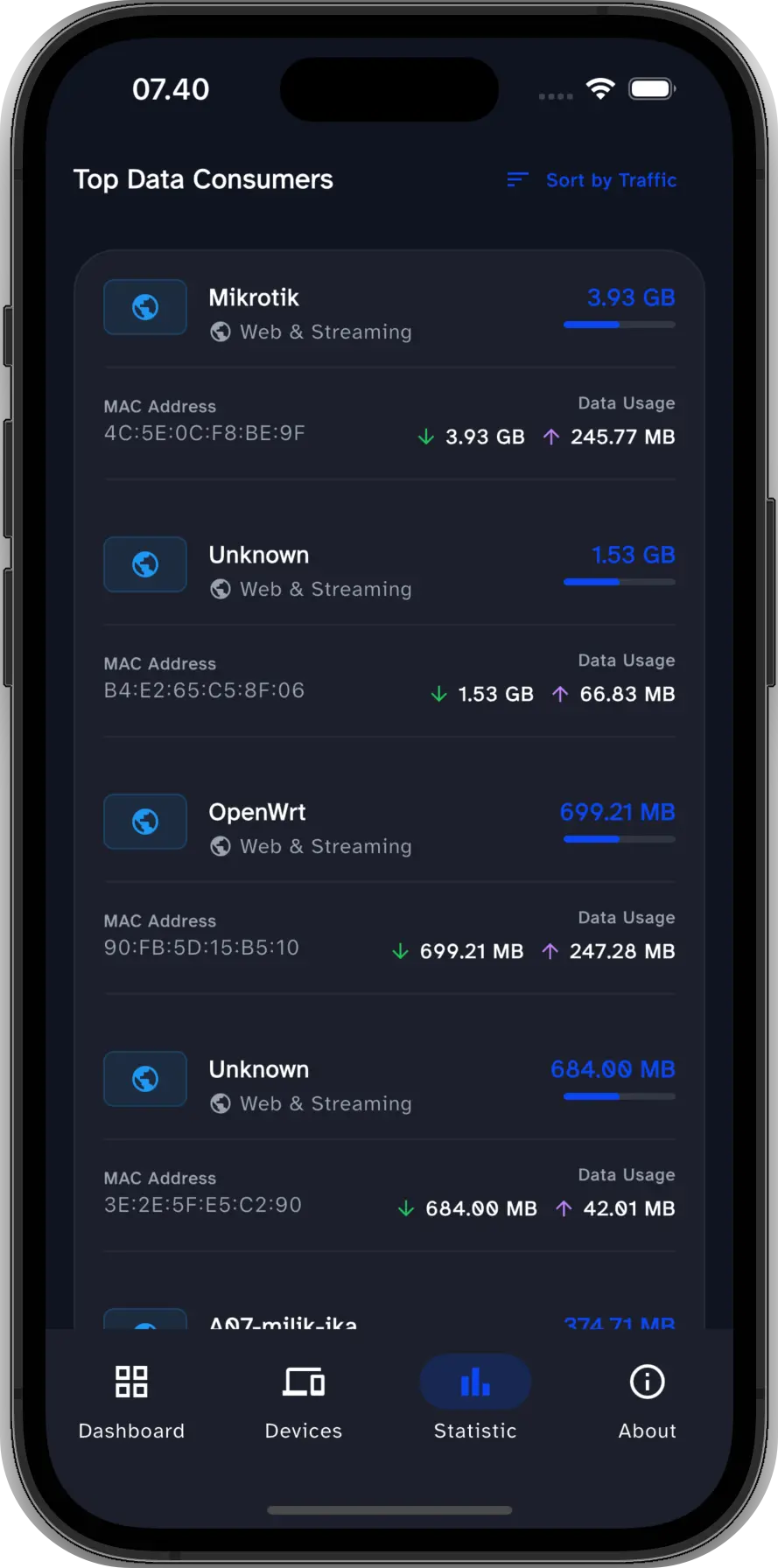
Top Bandwidth Consumers
System Requirements
Designed for stability. WRTune works best with a standard OpenWRT environment.
Official Firmware
Fully supports OpenWRT 24.10.x and newer official releases for maximum stability.
Root Access
Seamless login with the default root administrator account. No extra configuration needed.
Standard Logic
Built on the standard ubus & rpcd architecture found in default OpenWRT installations.
Flexible Access
Connect locally via Wi-Fi to securely manage your network.
Frequently Asked Questions
What makes WRTune different from using OpenWRT directly?
Do I need to install extra packages for WRTune to work?
How secure is WRTune? Does it collect my data?
Regarding Google Data Safety: We adhere to strict policies. Learn more in our Google Play Data Safety section.
How does WRTune handle blocking devices from the internet?
wrtune_xxx). This keeps your firewall configuration tidy and easy to manage in one place.
Is WRTune Open Source?
Is WRTune available on both Android and iOS?
How can I help bring WRTune to iOS?
Have Feedback or Found a Bug?
We want to make WRTune the best OpenWRT companion app. We use GitHub to track issues and feature requests transparently.
Support the Project
WRTune is a labor of love. Your support helps keep the development active and servers running. If you find the app useful, consider making a donation.
